
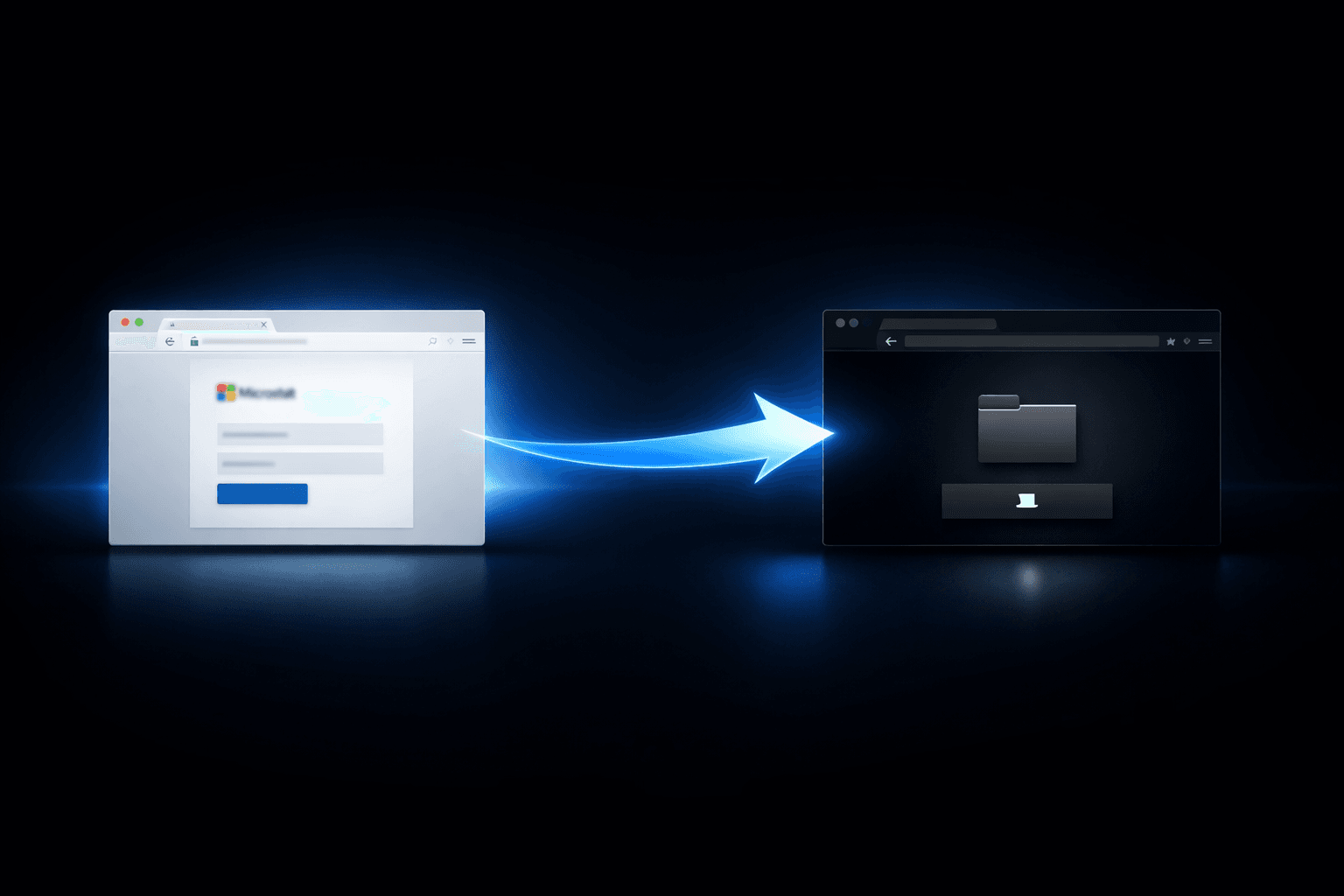
A government agency's SOC analyst opens a routine alert in January 2026: a wave of emails impersonating DocuSign and Microsoft Teams has landed in inboxes across three departments. The links pass clean through the email gateway — they point to legitimate Microsoft OAuth authorization endpoints. No malware attachment, no suspicious domain, no blocked URL. By the time the analyst traces the chain to a malicious redirect URI depositing a ZIP archive on an attacker-controlled host, two employees have already executed the payload. Microsoft's Defender team, which documented this campaign, confirmed it reached public sector organizations across multiple countries and exhibited clear ransomware-precursor behavior.
This post dissects how OAuth phishing using rogue redirect URIs works technically, why it bypasses conventional controls, and what security teams managing Entra ID or Google Workspace environments need to implement — now — to close the exposure.
How OAuth Redirect Abuse Works: The Attack Architecture
Most OAuth phishing discussions focus on token theft. This campaign is different, and that distinction is operationally significant. Attackers are not stealing OAuth tokens. They are abusing the OAuth authorization flow itself — specifically, the redirect URI parameter — as a delivery mechanism. No vulnerability is exploited. The OAuth specification's design is the attack surface.
The Registration and Lure Setup
Attackers register applications in attacker-controlled Azure AD tenants. These apps are configured with redirect URIs pointing to malware-hosting infrastructure. The apps request invalid or nonsensical OAuth scopes — the authorization request is never designed to complete successfully. What matters is the redirect.
The phishing email arrives with political or financial lures: a pending e-signature document, a missed Teams meeting notification, an urgent invoice. The link targets a legitimate Microsoft OAuth authorization URL with the malicious app's client ID embedded. When the victim clicks:
- The browser hits
login.microsoftonline.com— a domain most filters whitelist unconditionally. - The OAuth flow evaluates the
redirect_uriparameter registered to the attacker's app. - Because the scope is invalid, the authorization server issues an error response — but redirects the browser to the registered malicious URI anyway, per OAuth specification behavior.
- The victim lands on an attacker-controlled page serving a ZIP archive.
Important: This attack requires no token to be issued and no OAuth consent to be granted. Security controls that focus on detecting OAuth token theft or suspicious consent grants will not catch this variant. The redirect happens on error, not on success.
Payload Chain: From ZIP to DLL Sideloading
The ZIP archive contains a crafted LNK file. Executing it triggers a PowerShell command (T1059.001) that conducts host reconnaissance — collecting username, domain membership, installed software, and network configuration — before dropping the primary payload. The payload chain is deliberate:
steam_monitor.exe— a signed, legitimate-looking binary — is written to disk.steam_monitor.exesideloadscrashhandler.dllvia DLL search order hijacking (T1574.002).crashhandler.dlldecryptscrashlog.dat, a disguised configuration file containing C2 addresses and instructions.- The implant establishes outbound C2 communication, consistent with pre-ransomware staging behavior documented by Microsoft's Defender team.
The use of a recognizable binary name (steam_monitor.exe) alongside DLL sideloading is a well-worn technique for blending into process trees on endpoints running gaming-related software — a common configuration in government workstations with BYOD or contractor device policies.
Why This Campaign Bypasses Standard Controls
The effectiveness of this technique comes from its exploitation of trusted infrastructure, not technical vulnerability. Understanding why controls fail is the first step to building compensating mitigations.
Filter Evasion at Each Stage
| Defense Layer | Why It Fails Against This Attack |
|---|---|
| Email URL filtering | Links point to login.microsoftonline.com — universally trusted |
| Browser safe browsing | Initial navigation targets a legitimate Microsoft domain |
| OAuth consent monitoring | No consent is granted; error-path redirect is not logged by default |
| Token-based OAuth detection | No token is issued; detection logic never triggers |
| AV/EDR on initial download | ZIP with LNK arrives from redirect, not email attachment |
| MFA enforcement | Identity credential is not the target; delivery bypasses auth entirely |
Some campaign variants chain into EvilProxy, an adversary-in-the-middle (AitM) reverse proxy framework (T1557), to harvest credentials and session cookies from victims who do attempt to authenticate. In these variants, MFA is defeated not by bypassing the authentication mechanism but by relaying and capturing the authenticated session token before it reaches the legitimate application.
The State Parameter Encoding Trick
Attackers encode the victim's email address in the OAuth state parameter. When the malicious redirect page loads, it reads the state value and pre-populates a fake credential harvesting page with the victim's email. This social engineering detail — the victim seeing their own email address already filled in — significantly increases the likelihood of credential submission. It also enables attackers running mass campaigns via Python and Node.js automation scripts to track which victims have clicked and correlate downstream activity.
Pro Tip: Query your Entra ID sign-in logs and OAuth audit logs for authorization requests that complete with error responses (
AADSTSerror codes) where theredirect_uriresolves to a non-Microsoft, non-organizational domain. Legitimate OAuth flows rarely produce error-path redirects to external URIs. This query pattern surfaces attacker-registered apps even before payload execution occurs.
Hunting and Detection: Where to Focus SOC Effort
Detection for this campaign requires coverage across three distinct layers: the OAuth authorization flow, endpoint execution, and C2 communication. Most SOCs have partial coverage at best; this campaign was designed to exploit those gaps.
Entra ID and OAuth Log Hunting
Focus your hunting on the following signals in Entra ID audit and sign-in logs:
- Failed OAuth authorization requests with
redirect_uriparameters pointing to external domains not registered to your tenant's approved applications. - App registrations in external tenants appearing in your sign-in logs — specifically, app client IDs you cannot resolve within your own directory.
stateparameter values in OAuth requests that appear to contain encoded email addresses (base64 or URL-encoded strings matching your domain's email format).- Bulk OAuth authorization attempts from single IP ranges within short time windows — indicative of mass-sent Python/Node.js tooling.
Endpoint Detection After Redirect
| Attack Stage | MITRE ATT&CK | Detection Signal | Log Source |
|---|---|---|---|
| LNK execution | T1204.002 | LNK file spawning PowerShell | Sysmon Event ID 1 |
| Host recon via PowerShell | T1059.001, T1082 | systeminfo, whoami, net commands | PowerShell ScriptBlock logging |
| DLL sideloading | T1574.002 | Unsigned DLL loaded by signed binary | Sysmon Event ID 7 |
| C2 beacon establishment | T1071.001 | Outbound HTTP/S from sideloaded process | EDR network telemetry |
| AitM credential harvest | T1557 | Impossible travel, token replay | Entra ID Conditional Access logs |
Mitigating OAuth Redirect Abuse in Entra ID and Google Workspace
Microsoft revoked the implicated apps after discovery. But revocation is reactive. The exposure exists because of permissive OAuth configuration defaults that most organizations have never revisited. Fixing this requires deliberate policy changes, not patches.
Entra ID Hardening Controls
Implement these controls in priority order:
- Restrict user consent: Disable end-user app consent entirely, or limit it to apps from verified publishers only. Route all consent requests through admin approval workflows. This is the single highest-impact control available and is not enabled by default.
- Audit existing app permissions: Use the Entra ID Enterprise Applications portal to identify all apps with delegated permissions. Flag any app with
Mail.Read,Files.ReadWrite, oroffline_accessthat cannot be attributed to a known business function. - Remove over-privileged apps: Revoke permissions for apps that have not been used within 90 days. OAuth permissions granted and forgotten are a persistent risk — CIS Control 5.4 specifically addresses removal of dormant access.
- Enable Conditional Access for app consent: Require a specific Conditional Access policy to be satisfied before any OAuth consent is processed, even for admin-approved apps.
- Monitor redirect URI registrations: Alert on new app registrations that include redirect URIs pointing to external domains. Legitimate internal app development rarely requires external redirect URIs in production.
Compliance and Framework Alignment
| Mitigation Action | NIST CSF | CIS Control | Compliance Relevance |
|---|---|---|---|
| Restrict user consent | PR.AC-4 | 5.4 | SOC 2 CC6.3, GDPR Art. 25 |
| Audit OAuth permissions | ID.AM-2 | 5.1 | ISO 27001 A.9.2.3 |
| Block unknown app registrations | PR.IP-1 | 2.7 | HIPAA §164.312(a)(1) |
| Monitor sign-in/OAuth logs | DE.CM-3 | 8.2 | PCI DSS Req. 10.7 |
| Conditional Access for consent | PR.AC-7 | 6.7 | SOC 2 CC6.1 |
Key Takeaways
- Disable end-user OAuth consent immediately: This is the root enabling condition. If users cannot grant consent to third-party apps without admin approval, this attack chain fails before payload delivery.
- Query for error-path OAuth redirects in Entra ID logs: Failed authorization requests redirecting to external URIs are a high-fidelity signal that does not appear in most SOC runbooks — add it now.
- Enable PowerShell ScriptBlock logging and Sysmon Event ID 7: The post-redirect payload chain is detectable at the endpoint if your logging configuration covers DLL load events and PowerShell execution.
- Audit all apps with
offline_accessorMail.Readpermissions: These are the permissions attackers target for persistence; any app holding them that isn't actively managed is an unaccounted-for risk. - Do not rely on MFA alone against AitM variants: EvilProxy defeats MFA by relaying authenticated sessions. Phishing-resistant MFA (FIDO2/passkeys) is the correct mitigation — time-based OTP and SMS are not sufficient against AitM.
- Hunt C2 connections from sideloaded process trees: Focus on outbound connections from processes with unusual DLL load ancestry —
steam_monitor.exeor similarly named binaries loading unsigned DLLs are a detectable pattern in EDR telemetry.
Conclusion
OAuth phishing via redirect URI abuse represents a maturation of identity-native attacks — techniques that weaponize the design of trusted authentication infrastructure rather than its vulnerabilities. The campaign Microsoft documented is not a technical exploit; it is a demonstration that OAuth configuration hygiene has become a frontline security control, not an administrative afterthought.
The organizations that contained this threat shared one characteristic: they had already restricted user consent, were monitoring OAuth audit logs, and had Conditional Access policies that treated app authorization as a security event. For everyone else, the practical starting point is the same — pull your Entra ID enterprise application report this week, identify who granted what to which app, and build the admin approval workflow before the next wave of lures arrives.
Frequently Asked Questions
Q: Does restricting OAuth user consent break legitimate business applications?
A: It can disrupt applications that currently rely on end-user consent flows without going through IT. The correct approach is to run an audit first, identify all apps currently approved via user consent, migrate them to admin-approved status, and then enforce the restriction. The short-term friction is worth the significant reduction in attack surface.
Q: We enforce MFA across the organization. Does that protect us from this attack?
A: Against the core redirect-and-payload delivery chain, MFA is irrelevant — no credentials are requested at the redirect stage. Against AitM variants using EvilProxy, standard MFA (TOTP, SMS, push notifications) does not protect you because the AitM relay captures the post-MFA session token. Phishing-resistant MFA using FIDO2 hardware keys or passkeys is effective against AitM; other MFA methods are not.
Q: How do we identify whether our organization was targeted by this campaign?
A: Run the following in your Entra ID sign-in logs: filter for OAuth authorization requests completed with AADSTS error codes where the application's redirect URI resolves outside your tenant's registered domains. Cross-reference any hits against known APT28 and associated infrastructure IOCs published by Microsoft's Defender team. Also review endpoint logs for steam_monitor.exe execution or unsigned DLL loads in unusual process contexts.
Q: Is this attack specific to Microsoft environments, or does it affect Google Workspace?
A: Google Workspace OAuth flows implement the same redirect URI mechanism and are susceptible to the same design-level abuse. Google's OAuth authorization server also redirects on error in certain configurations. The mitigations are analogous: restrict third-party app access in the Google Admin Console under Security > API Controls, require admin approval for OAuth scopes classified as sensitive or restricted, and audit existing app authorizations via the Connected Apps dashboard.
Q: What makes this different from a standard OAuth consent phishing attack?
A: Standard OAuth consent phishing attempts to trick the victim into granting permissions to a malicious app — the attack succeeds when the victim clicks "Allow." This campaign does not need the victim to consent to anything. The OAuth flow is initiated with an invalid scope, ensuring it will fail, but the error-path redirect still delivers the victim to the attacker's infrastructure. Detection logic built around consent grant monitoring will miss this entirely. The distinguishing signal is in the error-path redirect behavior, not the consent event.

Enjoyed this article?
Subscribe for more cybersecurity insights.